FM-11 - Teltonika Router Restore Backup
Use this when
Use this to restore from a backup using the Teltonika router web interface.
Before you start
Confirm a computer has a stable connection to the router - a direct ethernet connection is preferred.
Confirm you have a compressed backup file on your computer.
Steps
- Confirm no one is actively using the kit for critical work.
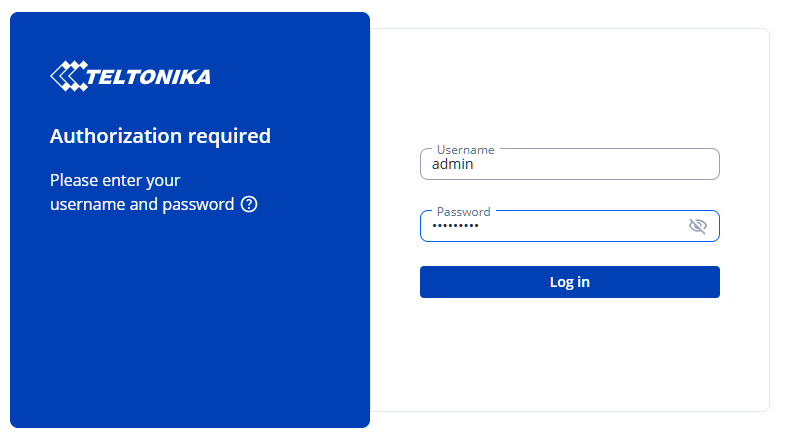
Using the computer, log into the router's management page and use the credentials provided on kit deployment .
The default address for Cogito kits is http://192.168.0.1
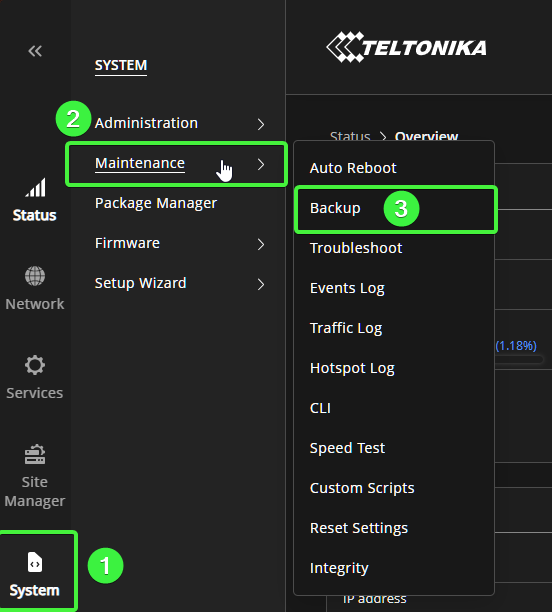
From the left navigation pane, select "System", then "Maintenance", then "Backup"
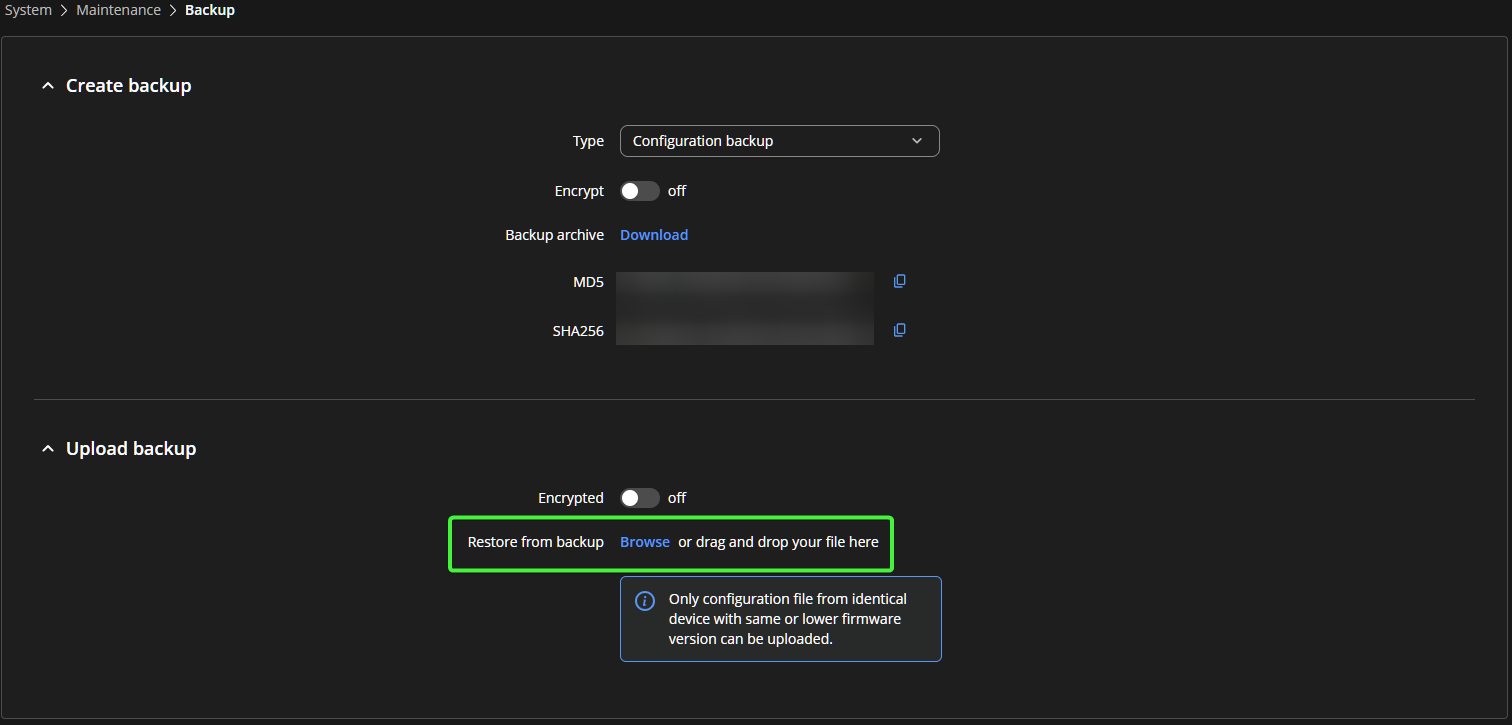
From the Backup page, navigate to the "Upload backup"
Click "Browse" and select the backup file.
If you elected to encrypt the backup when exported, toggle the "Encrypted" button and provide the password used to encrypt the file.
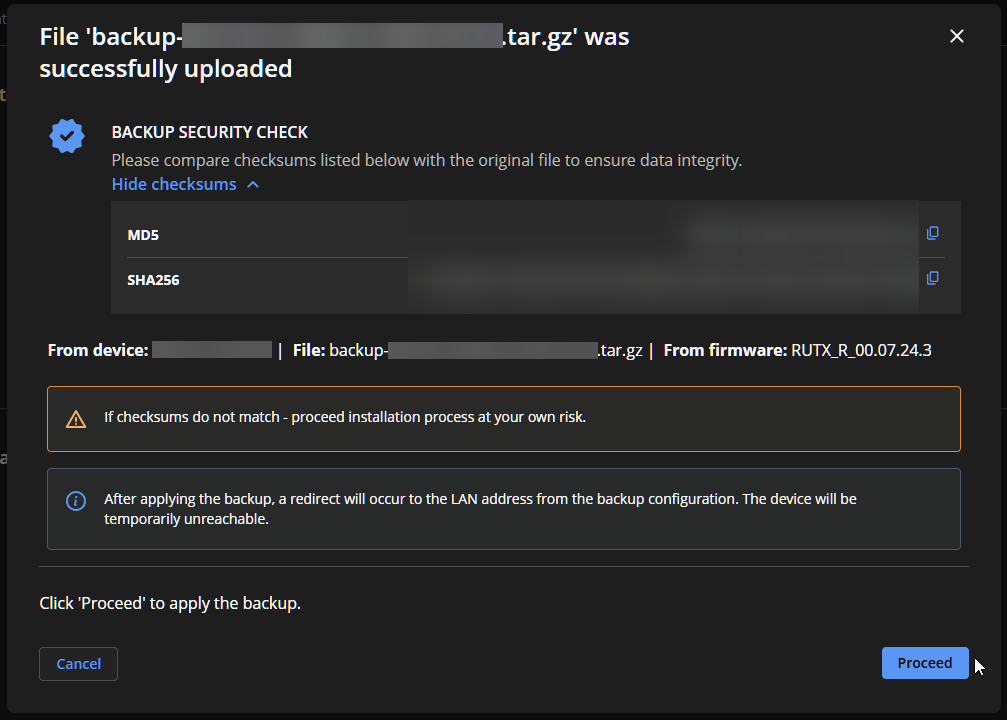
A pop-up window will appear displaying the device name, file name, firmware, and checksum hashes detected in the file.
Click "Proceed" to restore the router from the backup file. The router will be unreachable for up to 5 minutes while the backup configuration is applied.
Connectivity is restored, and previous settings have been applied.
- Backup file does not upload as expected
- Backup file has been uncompressed
- Backup file is unable to decrypt
- You are unsure what the login address is
- You are unsure what the login credentials are
240.249.2084 | CogitoInnovations.com | Support@OneCogito.com